
One file in Downloads. The whole register, ready to restore.
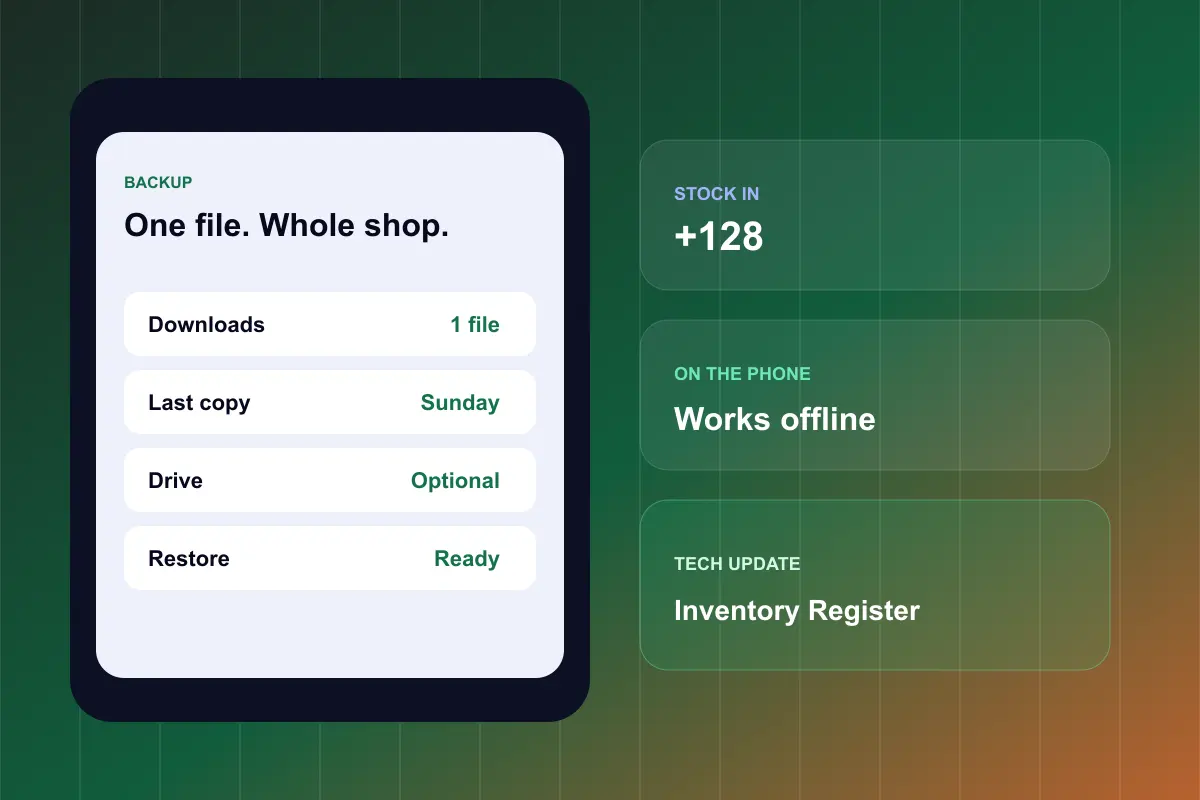
Export the database to a single file, put it back when you change phones, and keep an optional cloud backup. A weekly reminder so the backup actually happens.
Local file first
The backup is a file you can see in Downloads. Copy it to a laptop, a pen drive or WhatsApp-to-yourself. Restore replaces the register from that file, so a lost or replaced phone is not a lost shop.
Optional cloud backup
If you want a copy off the phone, log in with your mobile number. Your stock backs up and syncs by itself, and you can restore it on a new phone. This is optional. The app still opens and records stock when you are logged out and offline.
A reminder, not a nag
A weekly prompt is enough for most counters. The review we kept hearing was simple: an account link and a backup. The file plus cloud backup is that request.
Your stock is not our product
The register is stored on the device. A copy leaves the phone only when you share a backup file or log in for cloud backup. Read the privacy policy for how analytics and optional login work.
The shelf, on the phone.
Stock in, stock out and a low-stock list that work with no internet. A product by Tech Update.