
Scan a code. Stock in or stock out in one step.
Point the camera at a barcode or QR code to find an item, create it, or post a quantity. The code stays on the item so the next scan is instant.
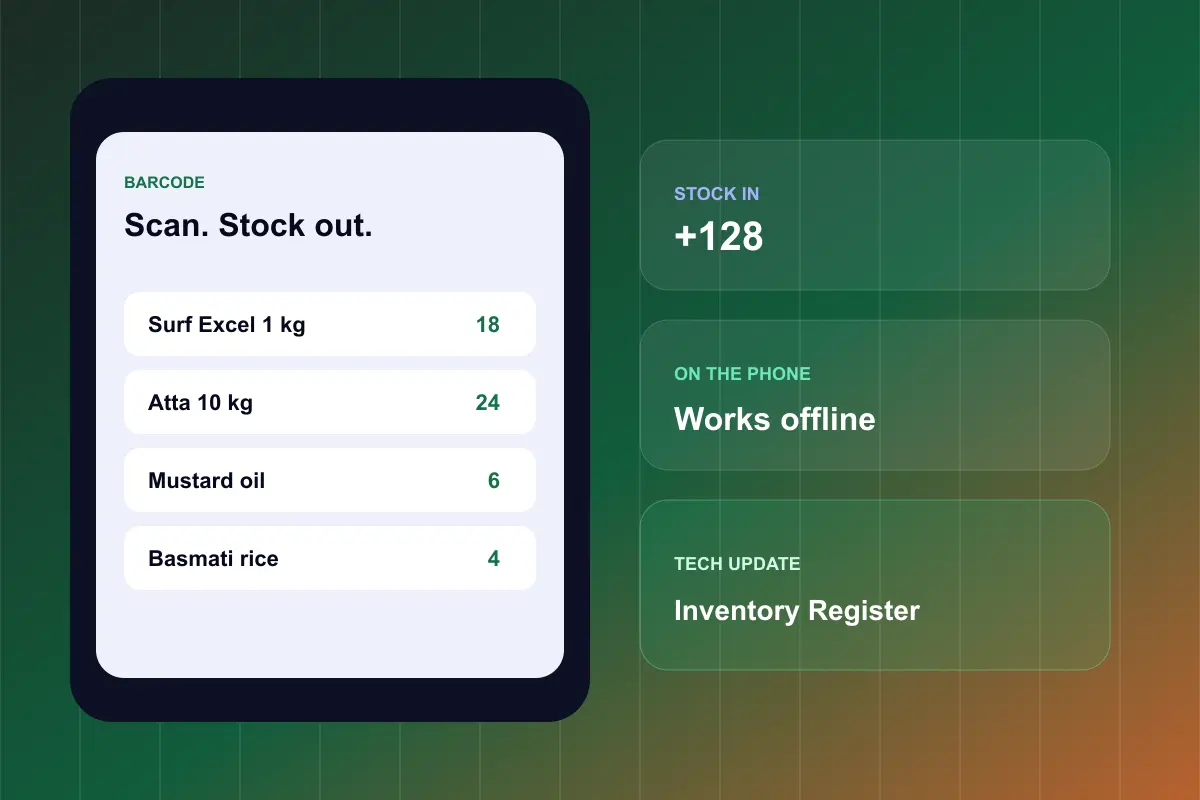
Three jobs, one scan
A scan is not only for billing. On the counter it should do the thing you actually walked over to do.
- Find an item when you cannot remember the spelling.
- Add a new item and store the barcode on it.
- Post a stock in or stock out without scrolling the list.
A barcode field on every item
Each product keeps its own code, next to the SKU you already use. Search works by name, by that code, or by the barcode you just scanned.
Labels when you are ready
Shops that pack their own goods can print barcode labels for items that did not arrive with one. Garment and footwear shelves are the usual place this starts.
Works with the register, not instead of it
The scan writes a normal stock entry: quantity, note and party. History, reports and the low-stock alert all see it. If the camera cannot read a torn label, type the code.
The shelf, on the phone.
Stock in, stock out and a low-stock list that work with no internet. A product by Tech Update.